
Free Mind Map Online — No Login, No Watermark
Mind Map Online is a free mind map maker that runs in your browser with no login. Add a central idea, branch topics, apply an aesthetic theme, and export PDF, PNG, SVG, or JSON without a watermark. Maps are saved locally on your device.
Loading your free mind map canvas…
No login needed — maps save in this browser. Prefer a head start? Browse the Templates .
The editor did not finish loading. Check your connection or ad-blocker, then try again.
- No login — start instantly
- Export PDF, PNG, SVG, JSON — no watermark
- 1-click themes — 20+ aesthetic styles
- Auto-layout — branches align themselves
- Private — maps stay in your browser
Mind Map Online is a free mind map maker that runs entirely in your browser. Open the page and start typing — no account, no download, and no watermark on exports. Your maps are saved in local storage, so they stay on your device.
What you can do
Start with zero friction
No sign-up screen, no email, no download. The canvas is ready the moment the page loads.
Export without a watermark
Download your map as PNG, PDF, SVG, or JSON — free and unlimited. No account, no paywall, no watermark.
One-click aesthetic themes
Switch the entire map between Notion Minimal, Study Pastel, and Cyberpunk Dark without restyling a single node.
Automatic layout
Add a branch and the map re-arranges itself. Choose left-to-right, top-down, or bottom-up in one click.
Private by default
Everything stays in your browser’s local storage. Nothing is uploaded, and clearing browser data removes it.
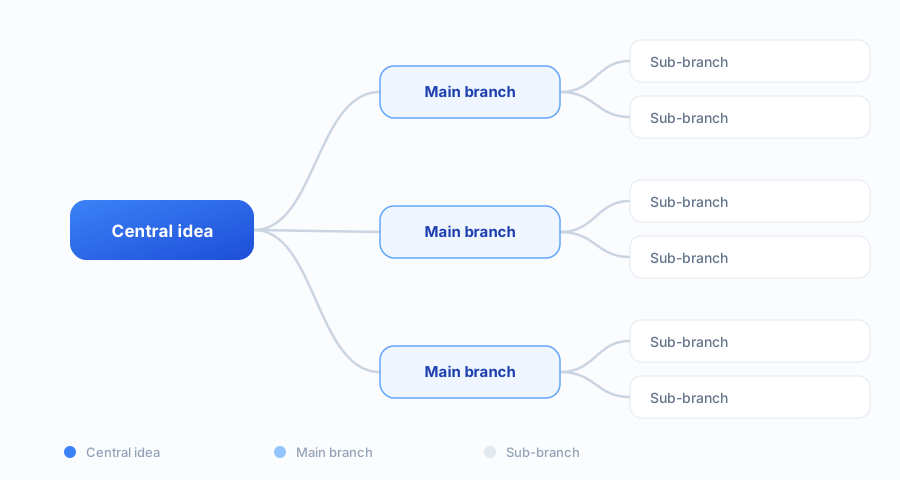
How it works
- 1
Type your central idea
Open the canvas and put the main topic in the middle.
- 2
Add branches
Press Tab for a child node and Enter for a sibling — auto-layout keeps everything readable.
- 3
Theme and export
Pick a theme, then export to PNG, PDF, SVG, or JSON. No account, no watermark.
What people use it for
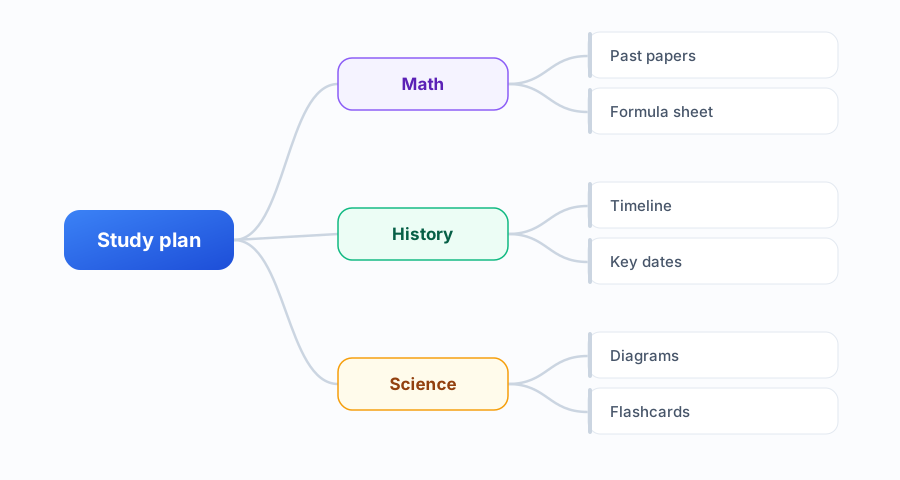
- Students — Revise with a branch per topic, and turn lecture notes into a structure you can scan.
- Project planning — Break a project into workstreams, tasks, and owners before you open a tracker.
- Meetings — Capture the agenda and the decisions as a live map instead of a wall of notes.
- Brainstorming — Capture ideas at the speed you think them, then restructure once they stop coming.
- Writing and outlines — Plan an essay or article as branches before you write the first paragraph.
How it compares
| Criteria | Mind Map Online | Typical tools |
|---|---|---|
| Account required | No | Usually yes |
| Watermark on export | Never | Sometimes |
| Free-plan limit | Unlimited maps | Often 3 maps or boards |
| Themes | 1-click presets | Manual styling |
| Where your data lives | In your browser | On their servers |
“Typical tools” refers to free tiers of Miro, MindMeister, Coggle, and XMind as of September 2026.
Frequently Asked Questions
Is Mind Map Online free?
Yes — everything on Mind Map Online is free and the free plan is unlimited: create as many mind maps as you want with no board limits and no trial timeouts. All 21 templates, all 6 aesthetic themes (Notion Minimal, Study Pastel, Cyberpunk Dark, Midnight, Violet Dream, Paper Sepia), four auto-layouts, JSON import, and watermark-free export to PDF, PNG, SVG, or JSON are included. No account is required and nothing is behind a paywall — open the page and you can have a finished, exported map in under 5 minutes.
Do I need an account to create a mind map?
No. You can open Mind Map Online and start drawing immediately — no signup, no login, no email required. Your maps are saved in your browser local storage.
What can I export my mind map as?
Export your mind map as PDF, PNG, SVG, or JSON — all watermark-free. PDF is great for printing, PNG for sharing, and SVG for further editing in design tools.
Are my mind maps private?
Yes. All mind map data stays in your browser local storage. Nothing is uploaded to any server. You control your data completely.
Can I use Mind Map Online offline?
The app runs in your browser and keeps working after the page has loaded, so you can keep editing without a connection. Your maps are stored locally, so nothing is lost when you close the tab.
Is there a limit on how many mind maps I can make?
No. There is no cap on the number of maps, no board limit, and no export limit. This is the main difference from tools like Miro and MindMeister, whose free plans stop at three boards or maps.
How do I share a mind map with someone?
Export it as PNG, PDF, SVG, or JSON and send the file — that works everywhere. You can also export the map as JSON to back it up or move it to another device, then import it again.
Does Mind Map Online work on a phone or tablet?
Yes. It is a responsive web app that runs in any modern mobile browser. For large maps a laptop is more comfortable, but quick maps and edits work fine on a touch screen.
Mind maps for every workflow
Use Mind Map Online for study notes and exam revision, project planning, meeting agendas, article outlines, and brainstorming sessions. Start from a free template or open the mind map maker and build from a blank canvas — everything exports to PDF, PNG, SVG, or JSON without a watermark, and stays saved in your browser.